
Start
Run a free scan
The free scan shows counts and severities. Titles, routes, and evidence stay on the server until you sign in and claim it.
- 01
Open Try one scan
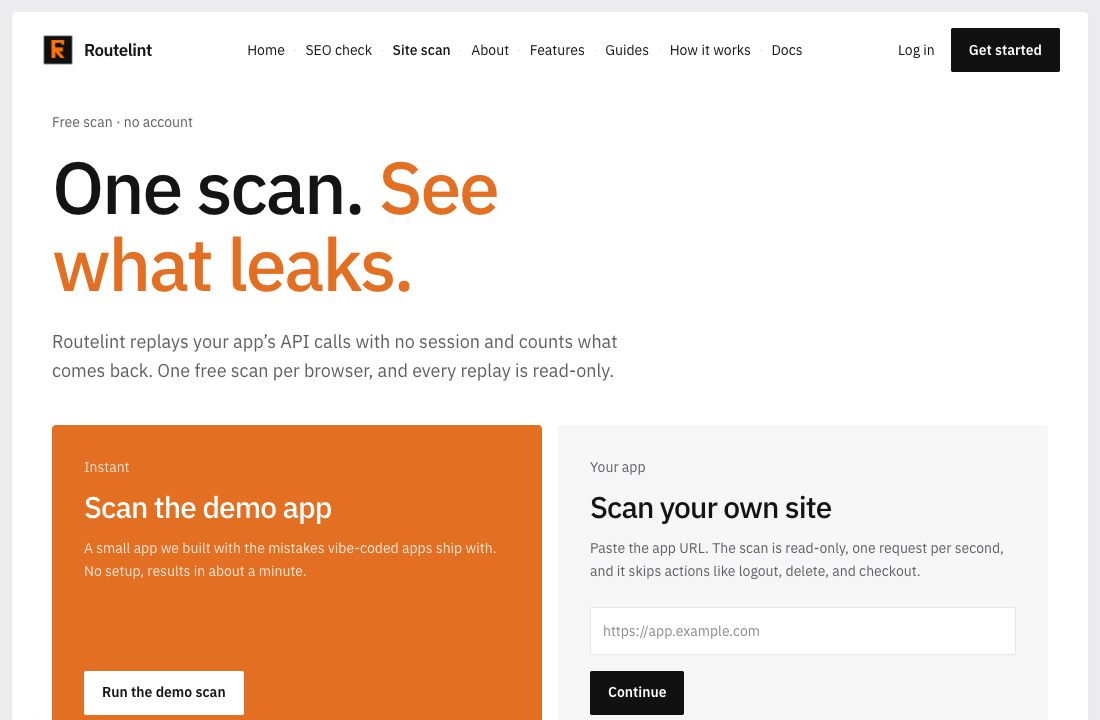
From the home page or the header, open Site scan. You can scan the demo app, or enter a full URL such as https://app.example.com.
- 02
Prove the host if it is yours
The demo app starts immediately. Your own site waits until the token is published as a DNS TXT record or at /.well-known/routelint-verification.txt, and you have checked ownership.
- 03
Confirm and start
Tick the confirmation that you allow a read-only scan, then click Start my free scan. The page updates while the job runs. Most scans finish within a few minutes.
- 04
Read the counts
The finished page shows the total and the split across critical, high, medium, and low. Each finding row keeps its real severity. The title, path, and evidence are not sent to the browser yet.
One scan per browser
Three guest scans per network address per day
Anonymous replay only, at one request per second
A failed scan does not use the attempt